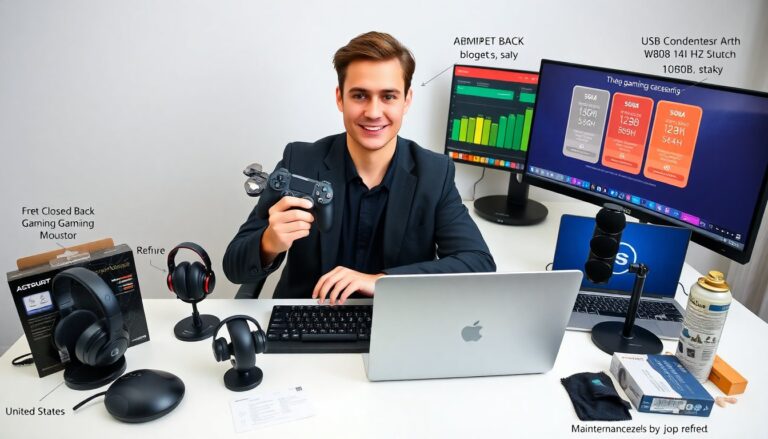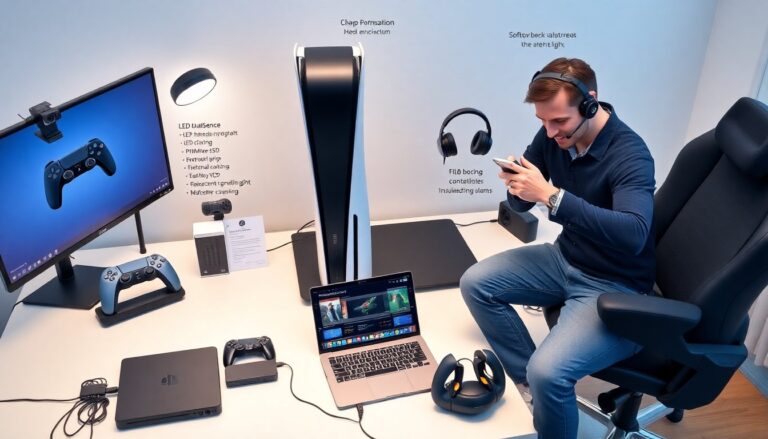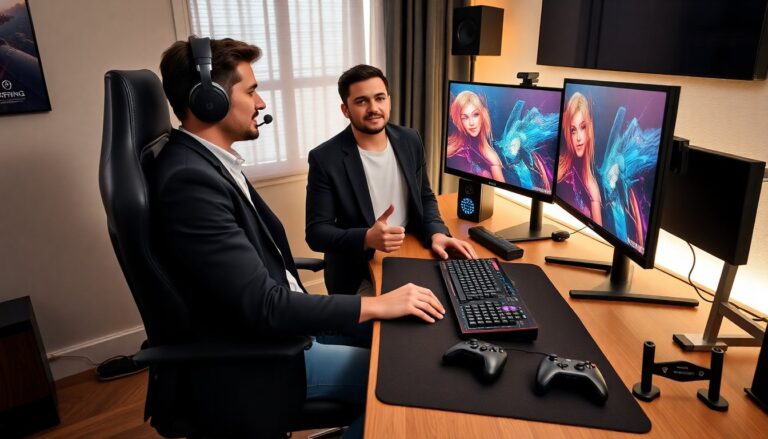


Cool gaming desk accessories help players improve comfort, focus, and performance. This article lists reliable gear that fits modern setups. Each item shows practical benefits, simple setup steps, and use cases. Readers get clear advice to choose accessories that suit their space and play style.
Key Takeaways
- Incorporating cool gaming desk accessories like ergonomic chairs and mechanical keyboards enhances comfort and gameplay performance.
- Adjustable monitor arms and high-quality headsets improve posture and communication, boosting focus during gaming sessions.
- LED lighting accessories and desk mats elevate aesthetics while reducing eye strain and enhancing visual clarity.
- Effective cable management tools such as cable trays, raceways, and organizers keep the gaming setup tidy and accessible.
- Starting with essential accessories and gradually adding items allows gamers to customize their space for both function and style.
- Smart organization solutions like docking stations and headphone hangers maintain a clutter-free environment, supporting efficient gaming setups.
Must-Have Accessories for Comfort and Performance
Must-Have Accessories for Comfort and Performance
A quality ergonomic chair reduces back strain and improves posture. Many gamers choose chairs with adjustable lumbar support and armrests. They adjust the seat height, recline, and tilt to match desk height and monitor placement. A footrest supports the legs and reduces fatigue during long sessions.
A large mouse pad stabilizes wrist motion and improves aim. Players prefer cloth pads that balance speed and control. A precision gaming mouse offers adjustable DPI and programmable buttons. It lets the player map commands and reduce key stretches.
A mechanical keyboard improves feedback and reduces missed presses. Many models let the user swap switches and set macros. They clean easily and last longer than membrane keyboards. A wrist rest pairs with the keyboard to ease wrist angle and prevent strain.
An adjustable monitor arm positions screens at eye level. It reduces neck strain and clears desk space. Dual monitor mounts allow the player to angle displays for streaming, chat, or maps without clutter.
A good headset with a clear microphone improves team communication. It isolates sound and keeps the player focused on audio cues. A dedicated DAC or USB audio interface raises sound clarity and reduces latency.
A compact desk fan or quiet air circulator keeps the player cool. It reduces sweat and helps maintain grip on the mouse. A blue-light filter or glasses reduce eye fatigue during long sessions.
These comfort and performance items fit most budgets. Players pick one or two upgrades first, then add items over time. Each choice improves playability and daily comfort.
Aesthetic and Lighting Upgrades to Elevate Your Battle Station
Aesthetic and Lighting Upgrades to Elevate Your Battle Station
Addressing lighting changes mood and clarity. LED light strips add color behind monitors and under desks. Many strips sync with games or music and change color automatically. A programmable light controller lets the player set scenes for work and play.
A small LED desk lamp provides task lighting without screen glare. The player positions the lamp to reduce shadows on the keyboard and mouse. Lamps with adjustable color temperature reduce eye strain during night sessions.
A monitor bias light reduces perceived contrast and improves black detail. It attaches to the back of the monitor and casts soft light on the wall. This simple accessory improves visual comfort and makes colors pop.
Desk mats and skins create a unified look. They protect the desk surface and reduce reflection. Players choose themed mats that match their controller, headphones, or chair.
Decor items like cable-friendly figurines, modular shelves, and compact plant pots add personality. A small RGB-powered clock or fan combines function with flair. The player arranges items to avoid clutter and keep reach areas clear.
A wireless charger with LED status lights powers phones and wireless earbuds. It keeps essential devices charged and reduces cable use. Many chargers include multiple coils for flexible phone placement.
These aesthetic and lighting accessories improve mood and visibility. The player balances style and function to create an inviting setup that supports long sessions.
Smart Organization and Cable Management Tools Gamers Need
Smart Organization and Cable Management Tools Gamers Need
A cable tray mounts under the desk and keeps power bricks off the floor. The player routes power strips and adapters into the tray to clear leg space. Velcro cable ties group wires and make future changes simple.
A vertical CPU stand reduces desk footprint and improves airflow. It lifts the tower away from the floor to reduce dust intake. The player uses a dust filter on intake vents to extend component life.
A multi-outlet power strip with surge protection secures equipment. The player chooses strips with spaced outlets for large adapters and a master switch for convenience. Labeling each cable with simple tags speeds troubleshooting.
A docking station consolidates laptop and accessory connections. It reduces plug swaps and keeps the desk neat. The player docks the laptop for charging, Ethernet, and multiple displays with one cable.
A headphone hanger mounts under the desk or on the monitor arm. It keeps the headset within reach and off the desk surface. A controller stand or charging dock stores controllers and shows charge status.
A storage organizer with drawers holds spare cables, adapters, and batteries. The player separates items by type and labels each drawer. Small bins for screws, dongles, and thumbsticks make repair tasks faster.
A cable raceway hides wires along walls and behind furniture. The player paints the raceway to match the wall color for a clean look. Together, these organization tools reduce clutter and improve access to gear.