

They research ps5 gaming accessories to improve play and extend console life. This guide lists controllers, headsets, charging solutions, and useful extras. It states what each accessory does and why it matters. The guide helps readers pick gear that fits their budget and setup. It avoids jargon and gives clear steps for buying and using accessories.
Key Takeaways
- Selecting the right PS5 gaming accessories, like DualSense controllers and wireless headsets, enhances gameplay and comfort.
- Charging docks and extra storage such as NVMe SSDs extend console life and manage gaming sessions effectively.
- Prioritize performance, comfort, compatibility, and budget when choosing PS5 gaming accessories for the best value.
- Regular maintenance, including firmware updates and cleaning, ensures optimal function and longevity of your PS5 gear.
- Using surge protectors and safe handling practices helps protect your PS5 gaming accessories from damage.
- Researching reviews and buying bundles can save money and help you find trusted PS5 gaming accessories.
Top Must-Have PS5 Accessories (Controllers, Headsets, Charging & More)
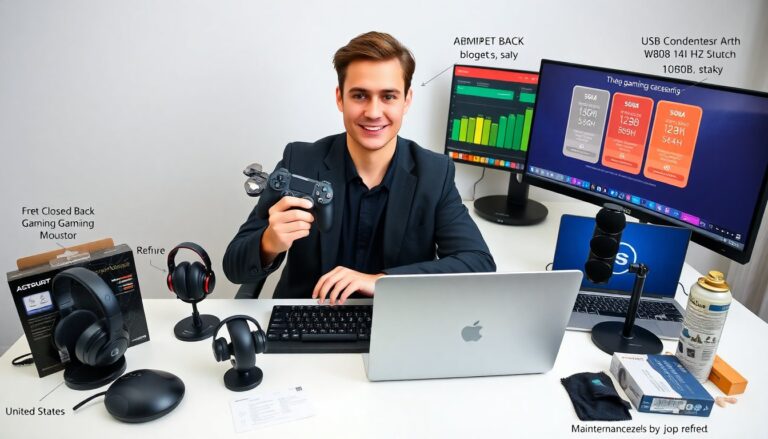
The list starts with controllers. They recommend a DualSense controller as the main choice for feel and features. Gamers add a second DualSense for local play. Some players buy a pro-style controller for extra buttons and profile options. A wired controller suits streaming setups when latency matters. Replacement thumbsticks and grips fix wear.
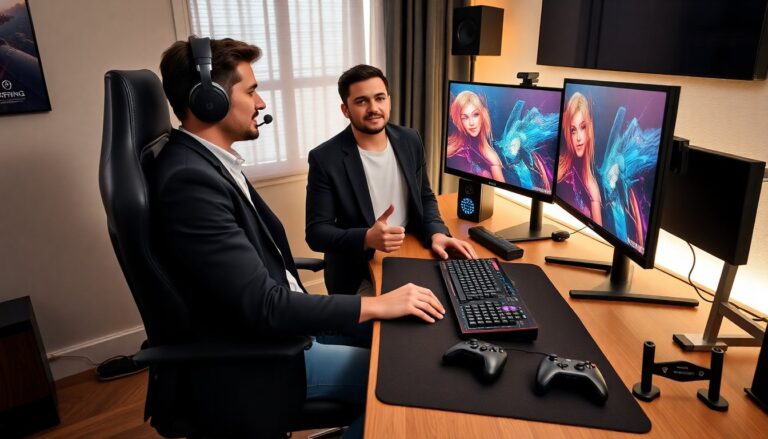
The next item is headsets. A good headset gives clear chat and strong game audio. Many choose a wireless headset for freedom. Others choose a wired headset for lower latency. They look for a closed-back design to reduce noise and a comfortable band for long sessions. Brands often supply 3D audio support to match the PS5 audio engine.
Charging docks matter. They charge controllers fast and store them neatly. A two-controller dock covers most households. They pick docks with LED status lights to know when controllers are full. Charging cases fit for travel.
Storage drives expand space. An NVMe SSD under the right spec adds storage for PS5 games. They check Sony’s compatibility list before buying. External HDDs work for PS4 titles and backups.
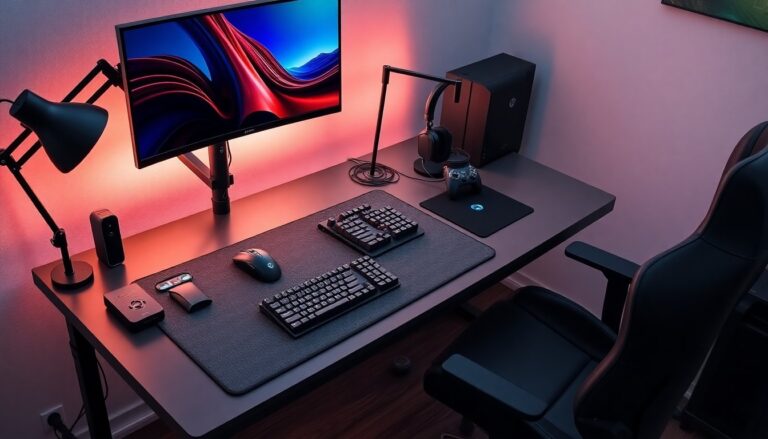
Cooling and stands help placement and airflow. A vertical stand stabilizes the console. Cooling stands add fans for hot rooms. They avoid blocking vents when they set up the PS5.
Camera and capture gear suit streamers. A camera mounts above the display. A capture card helps when they stream from a PC. They add a ring light or softbox for better on-camera appearance.
Accessories for comfort include racing wheels, fight pads, and pro thumb grips. Controllers with larger grips help players with hand fatigue. A good gaming chair supports posture and reduces pain during long sessions.
A neat accessory is a media remote. It controls streaming apps fast. They pick a remote that matches the PS5 layout and supports voice search.
They balance cost and value. They list essential items first: a second controller, a solid headset, a controller dock, and extra storage. They add extras as needed, based on play style and budget. The phrase ps5 gaming accessories appears in product searches and buying lists. Buyers often search for that phrase to compare options and prices.
How To Choose Accessories: Performance, Comfort, Compatibility, and Budget
They set priorities before buying. They rank performance, comfort, compatibility, and budget. They list needs and then filter products by those needs.
They check performance. They read tests for latency, audio clarity, and input accuracy. They test wireless gear for stable connection and battery life. They prefer wired gear when their setup demands minimal lag.
They check comfort. They read reviews for fit, weight, and padding. They try gear in store when possible. They choose a headset that fits the head shape and a controller that fits hand size.
They check compatibility. They verify that an SSD matches Sony’s size and speed rules. They confirm that a headset supports the PS5 3D audio or offers a reliable line out. They confirm that accessories work with PS5 menus and firmware updates.
They plan a budget. They set a top price and then search within that range. They compare feature lists and warranties. They pick trusted brands for key items and consider lesser-known brands for low-cost extras.
They read warranty and return policies. They prefer items with clear returns and at least a one-year warranty. They register products when warranties require it.
They watch for sales and bundles. Retailers bundle controllers with games or add a dock to a headset sale. They use bundles to save on essential items.
They consider future proofing. They choose an SSD with some extra capacity. They pick a headset with replaceable cables and pads. They avoid single-use adapters unless they need them now.
They prioritize upgrades that affect play quality first. They invest in a controller and headset before buying decorative items. They measure the room and desk before buying stands, lights, or large mounts.
They check user forums and video reviews for real-world issues. They read multiple sources. They note common problems such as overheating, drift, or poor battery life. They weigh those issues against price and features. The repeated search term ps5 gaming accessories helps them find focused reviews and comparisons.
Setup, Care, and Pro Tips To Get the Most From Your PS5 Gear
They place the PS5 in a well-ventilated spot. They keep vents clear and avoid tight enclosures. They leave two to three inches of space around the console.
They mount or place accessories with stability in mind. They align controller docks on a flat surface. They route cables away from foot traffic and pets. They secure mounts for cameras and lights.
They update firmware. They install system updates and accessory firmware. They check firmware notes for fixes to audio and connectivity issues.
They charge batteries correctly. They use official or certified chargers. They avoid overcharging by removing controllers once the LED shows full. They store batteries at moderate temperature.
They clean gear weekly. They wipe headsets, controllers, and vents with a dry cloth. They use compressed air for vents and ports. They replace washable pads and filters when needed.
They calibrate audio and input. They run headset setup in the PS5 settings. They test microphone levels in party chat. They adjust controller sensitivity in compatible games.
They back up game saves. They use cloud saves with PlayStation Plus or local backups to external drives. They copy important saves before swapping SSDs.
They protect investment with surge protection. They plug the PS5 into a surge protector to avoid damage from power spikes. They consider a UPS for long sessions during storms.
They practice safe handling. They avoid dropping controllers and keep food and drink away from gear. They use screen protectors for external displays when needed.
They refine settings based on play. They adjust headset EQ and controller mapping for comfort. They add grip tape or thumb rings if they need them. They swap accessories as play style changes.
They track warranty dates and receipts. They file warranties and note serial numbers. They contact support promptly if an item shows defects.
They search for ps5 gaming accessories reviews and how-to videos when they need more help. They follow trusted channels for step-by-step setup and problem fixes.